One year.
Your starting point.
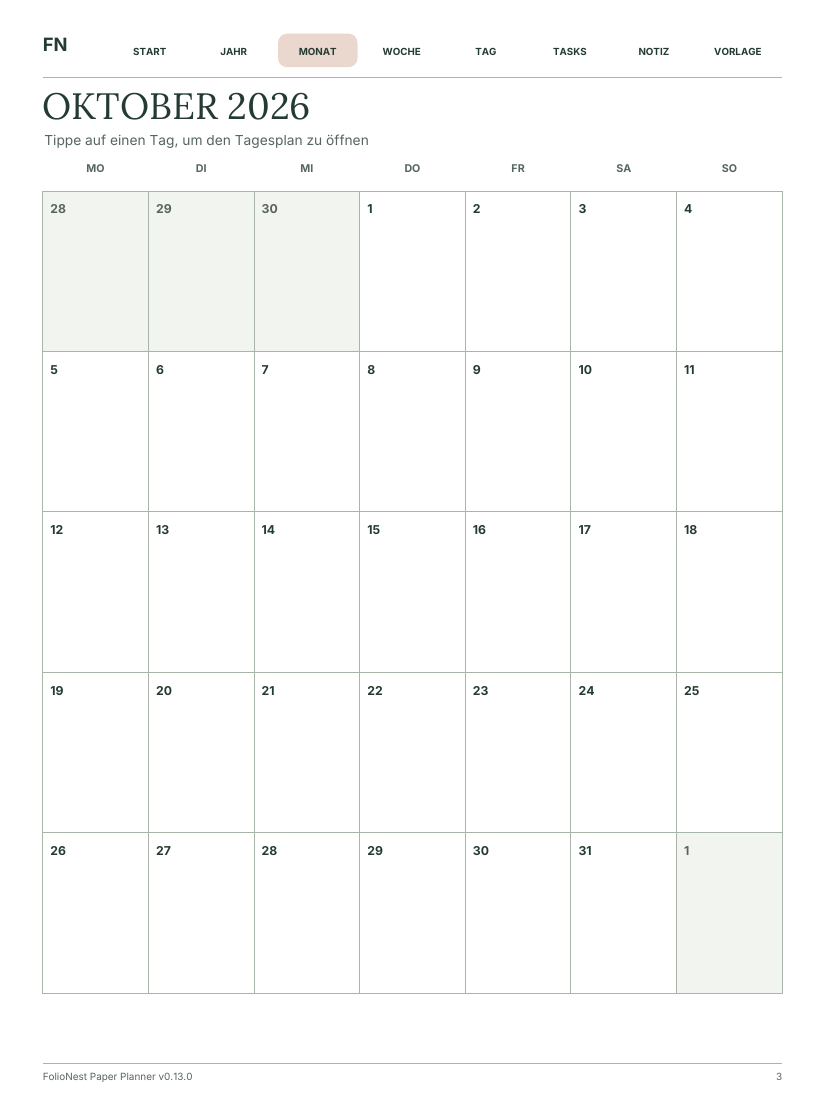
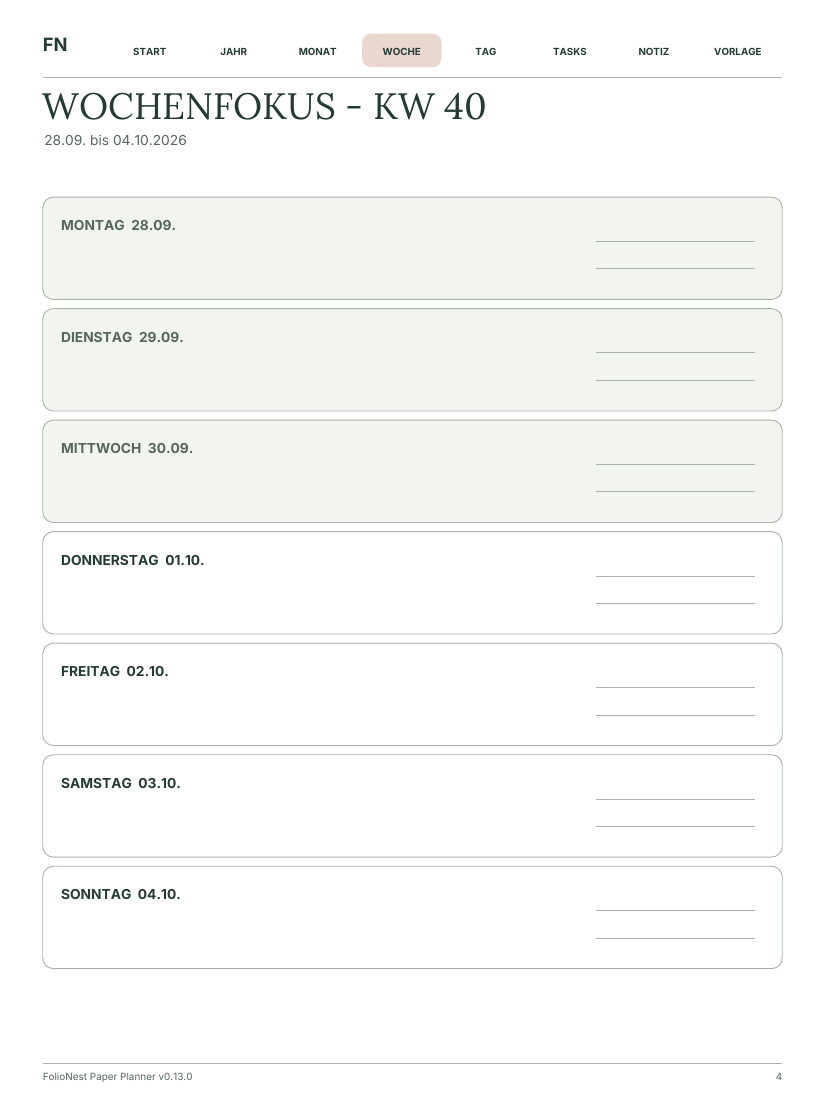
Choose 1–12 months and selected calendars from Apple Calendar on your Mac. Jump between months, weeks and days in a linked PDF.
Available locallyFolioNest · Your writing space for reMarkable
Calendars, memos and focus templates from one Mac app. Linked PDFs for your reMarkable – without Developer Mode.
Apple Silicon · macOS 14+ · PDF import without Developer Mode
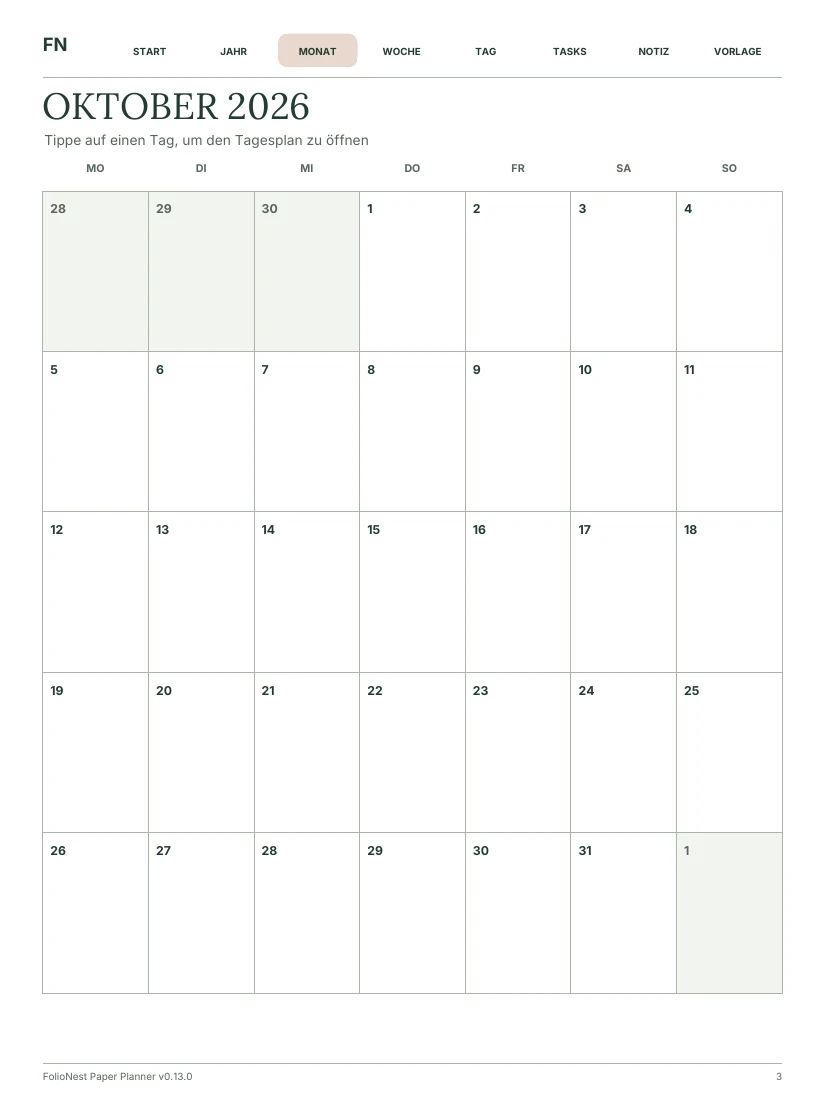
Jump between months, weeks and days. One PDF, twelve months. Calendar preview in German.
Actual PDF pages · illustrated device, not a device photograph
Take a closer look.
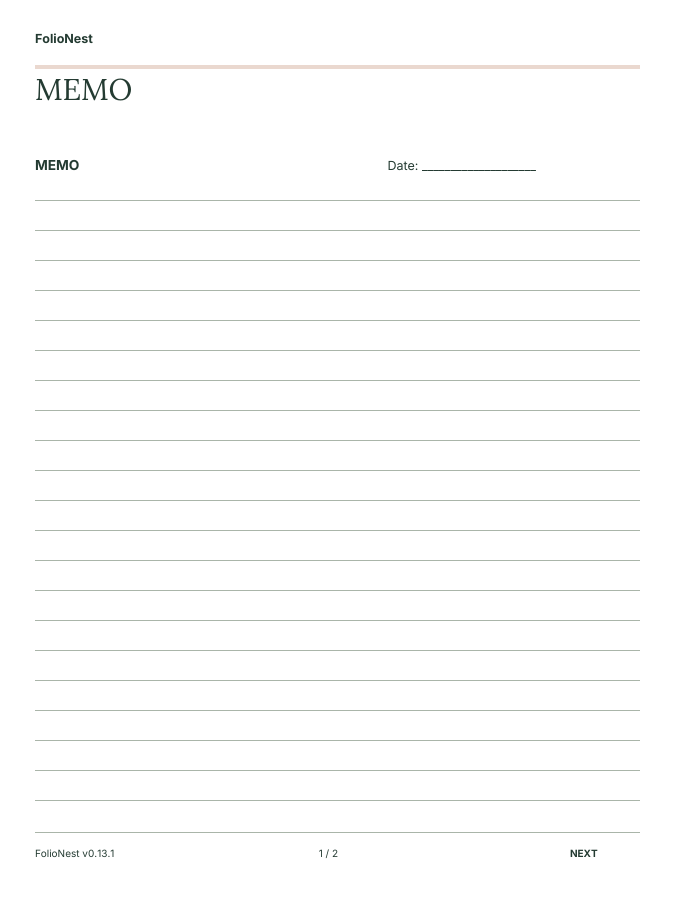
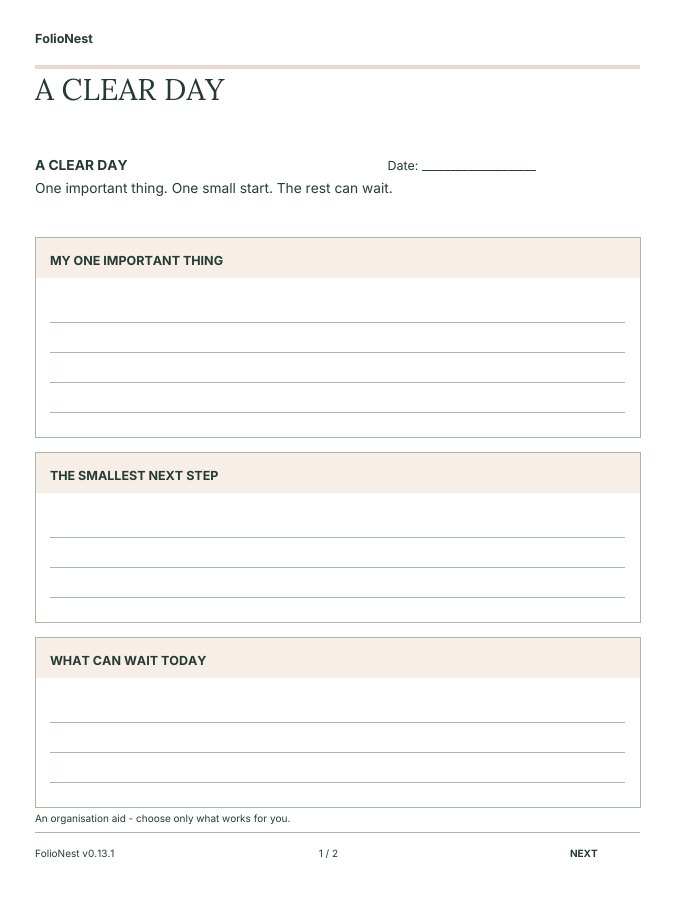
Actual, empty FolioNest PDFs, not invented app screens. No personal appointments or handwriting. Template PDFs are available in English and German; calendar pages currently remain German. Open any view to see it larger.
A little structure. Plenty of breathing room.
Choose 1–12 months and selected calendars from Apple Calendar on your Mac. Jump between months, weeks and days in a linked PDF.
Available locallyMemo, meeting, Cornell, project or focus: create up to 200 prepared pages of the same template. Each starts without copied handwriting.
22 original layoutsThe app offers terracotta accents, subtle colours and grayscale. Black-and-white devices automatically get grayscale. This shop has its own calm paper-inspired design.
Your device profileCheck your local preview and import the PDF through the official reMarkable app. The additional direct cloud connector is experimental; live acceptance testing is still outstanding.
An honest view of what’s readyFor whatever’s on your mind.
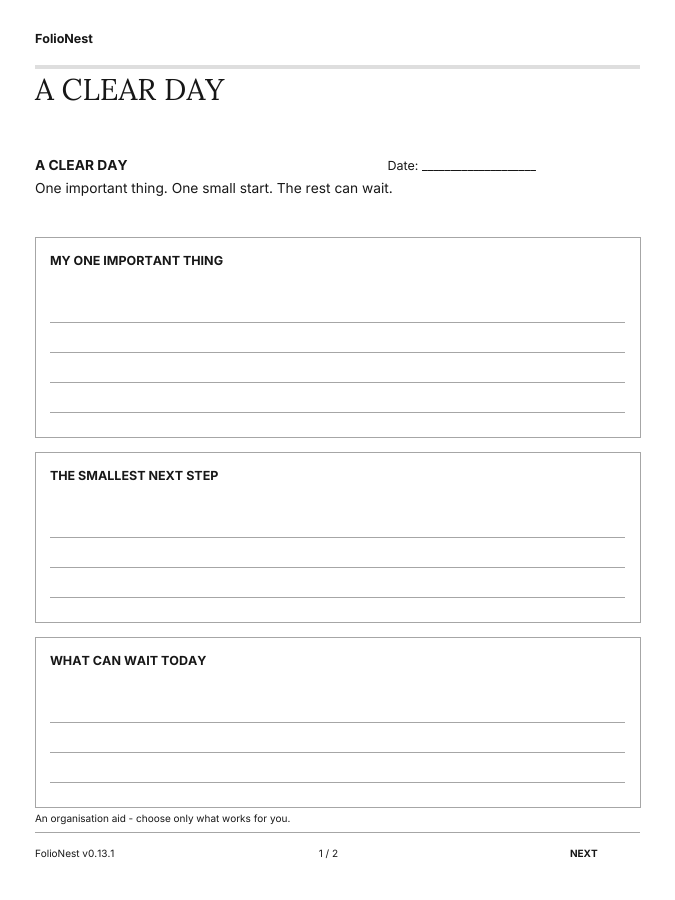
Capture a meeting. Untangle your thoughts. Just get started. Explore all 22 actual English PDF templates, also available in German.
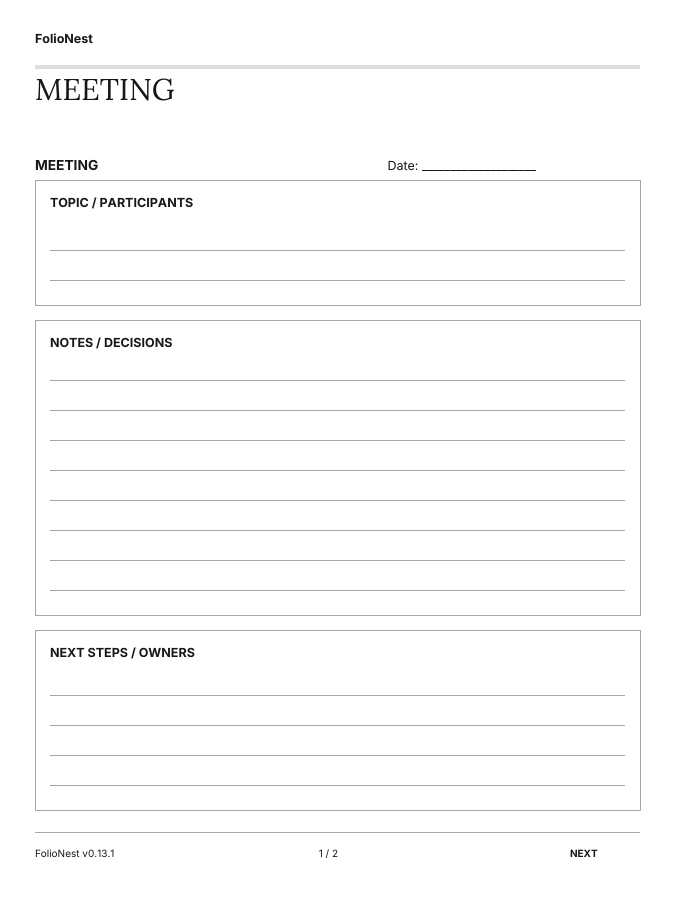
reMarkable Paper Pro · Stylised device mockup
All 22 templates are included in FolioNest. Choose your page, device and appearance.
22 templates to explore.
Topics, decisions and clear next steps.
Hardware acceptance testing is outstanding.
See this template larger ↗Loading templates …
Ten ADHD- and focus-friendly organisation tools: brain dump, tiny steps, focus sessions and more. No streaks. No scores. Not therapy.
Meeting, follow-up, decisions and learning notes give outcomes a place. Custom headings are available in the new structured templates.
Memo, journal, travel, lines and dots. Space for your thoughts – without prescribed productivity goals.
More than beautiful pages. One connected writing space.
Calendars, notes and templates start in the same place: your FolioNest app on your Mac. Choose your setup, check the preview and take a connected document to your reMarkable.
Configure your calendar source, up to twelve months, template and device profile in one app. The real PDF preview shows what will reach your tablet before you transfer it.
Meeting, memo, project, decisions and follow-up: structured pages for your working day, with room for outcomes and handwritten thinking.
Ten focus- and ADHD-friendly organisational templates offer space to park thoughts, break tasks into small steps and plan a focus session. No streaks or scores. No therapy or medical benefits claimed.
Jump between month, week and day inside your planner instead of opening each page separately. Notebooks contain up to 200 prepared pages of the same template – one document, not a stack of individual files.
Creation and preview stay in FolioNest. Each new PDF then needs one import through the official reMarkable app; its cloud syncs the document to your paired tablet. No Dropbox staging folder or Developer Mode required.
There are 22 original layouts available today, in English and German. We are expanding the collection with a focus on business, focus and organisation. Additional layouts become part of the available offer only when released.
Other providers also offer linked planners, templates and software. FolioNest focuses on the combination of its own Mac suite, configurable documents, and business- and focus-friendly pages. What matters is how it fits your day.
What “connected” means today: Creation and preview in one app, navigation inside the PDF, and tablet transfer through the official reMarkable cloud. The initial import remains necessary. Ongoing automatic calendar updates, return sync and handwriting preservation during updates have not yet completed acceptance testing.
From your screen to your paper.
Select calendars, time span, device and template in the Mac app.
Check the actual PDF. Working planners are created without sample data.
Import through the official reMarkable app. Its cloud connection transfers the file to your paired tablet.
Work on the prepared pages. Existing documents with handwriting remain separate.
Your reMarkable belongs here.
A 3:4 PDF with terracotta accents, subtle colours or grayscale.
A 3:4 PDF. Automatic grayscale instead of unreadable colour coding.
A 9:16 export preview with a centred 3:4 page. Smaller text; a dedicated Move layout is not available yet.
Export profiles tested locally. Hardware acceptance for all devices and a verified Paper Pure profile are still outstanding. No universal compatibility guarantee.
Clarity first. Then decide.
A Mac app for linked calendars and notebook PDFs. Local generation is available; sales and public app downloads have not started.
Planners spanning up to 12 months, 22 templates, prepared blank pages and device export profiles.
Direct cloud updates, handwriting preservation and reviewed calendar re-import. Not a released two-way sync product.
Pricing overview, not an orderable offer. Tax, contract and renewal terms must be fully disclosed before purchase. No lifetime offer.
No checkout or charge. Payment, provider details and commercial delivery have not been approved.
Contract information ↗Good to know.
The suite is a native macOS app. It creates real linked PDFs, not a web simulation. This website is a separate shop preview, not the Mac app.
Not for PDF import through the official reMarkable app. FolioNest does not install a native tablet app, system templates or new sleep screens.
Not as an accepted, released product yet. Local regeneration is available. Background cloud updates and reviewed calendar re-import require separate confirmation; live cloud access and handwriting preservation have not been conclusively verified.
A newly generated planner is a new PDF and does not overwrite an old file. Experimental updates to the same cloud document include backup and conflict protection. Practical handwriting preservation on hardware still needs acceptance testing.
No. Turn to a prepared FolioNest page. The tablet’s normal plus button does not automatically add our PDF template.
The current private version requires Apple Silicon and macOS 14 or later. Intel, Windows and Linux are not approved suite targets. The private app package is not Apple-notarised yet.
The shop and all 22 note templates are available in German and English. Select PDF language in the Mac app before creating a notebook. Your own titles and headings are not translated automatically. Calendar PDFs and the rest of the Mac app remain in German.
No. The configurator and selection dialog are for preview only. No orders, no active payment provider and no public app download.